Tier 1
Harbor Bean
Café Mobile Menu
A complete neighborhood café demonstration with a focused menu, hours, location details, and clear customer actions.
Open the working demoWorking demo preview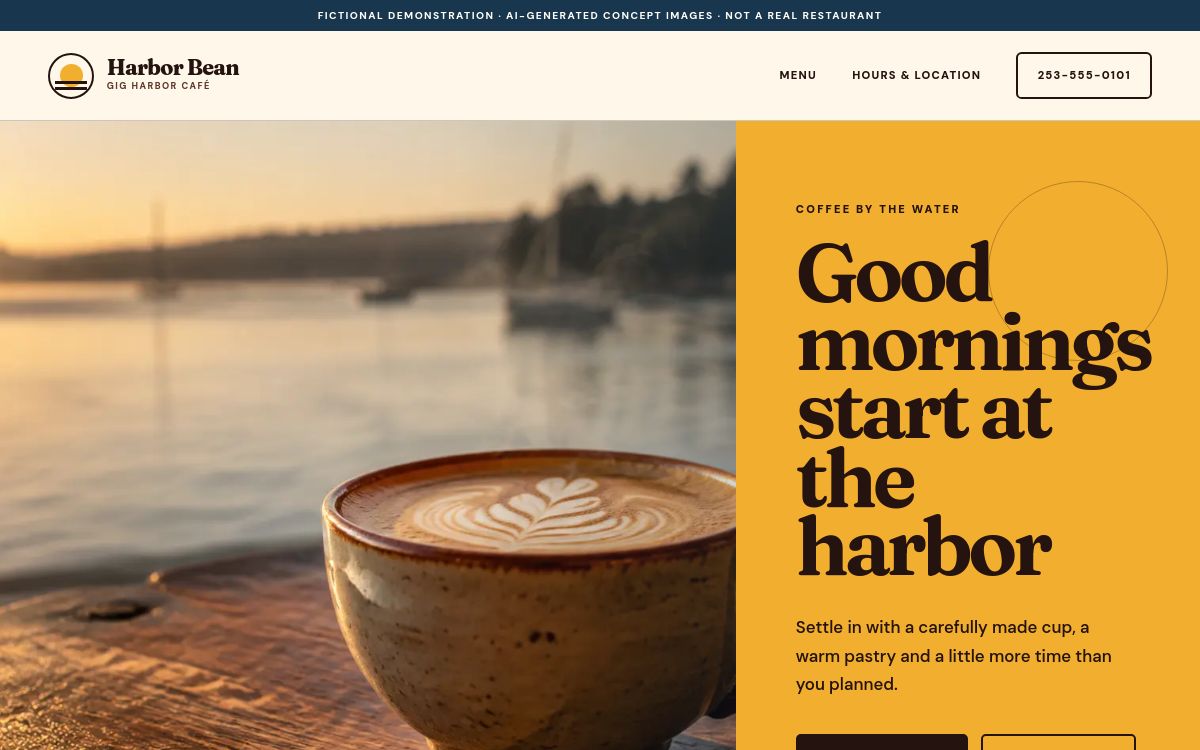
Restaurant website examples
Compare complete Tier 1, Tier 2, and Tier 3 restaurant demonstrations on desktop or phone.
See what we can build
Open complete working demonstrations for all three Menu Rescue packages.
Tier 1
Café Mobile Menu
A complete neighborhood café demonstration with a focused menu, hours, location details, and clear customer actions.
Open the working demoTier 2
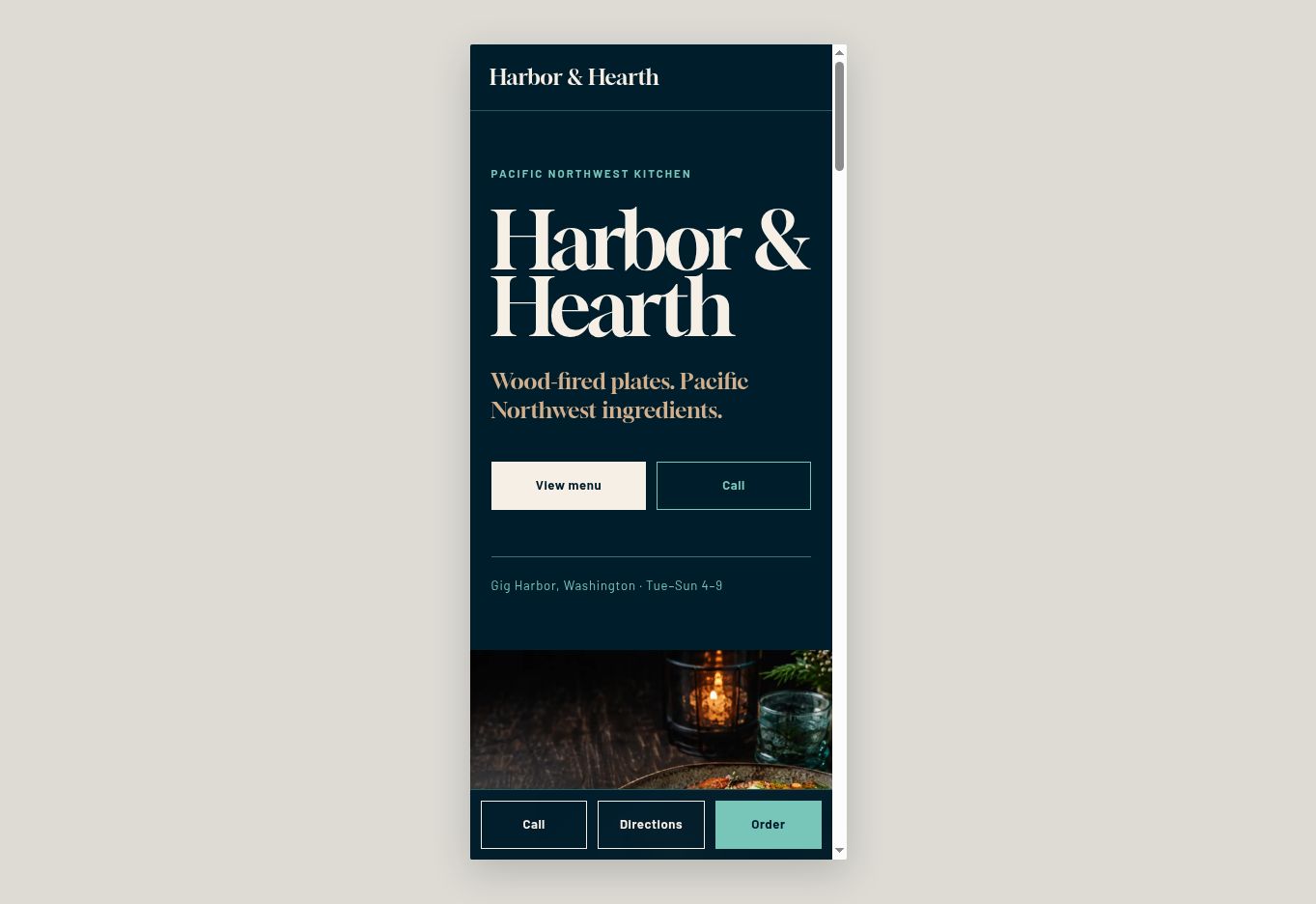
Restaurant Website
A polished restaurant home with a readable menu, story, gallery, and visit details.
Open the demonstration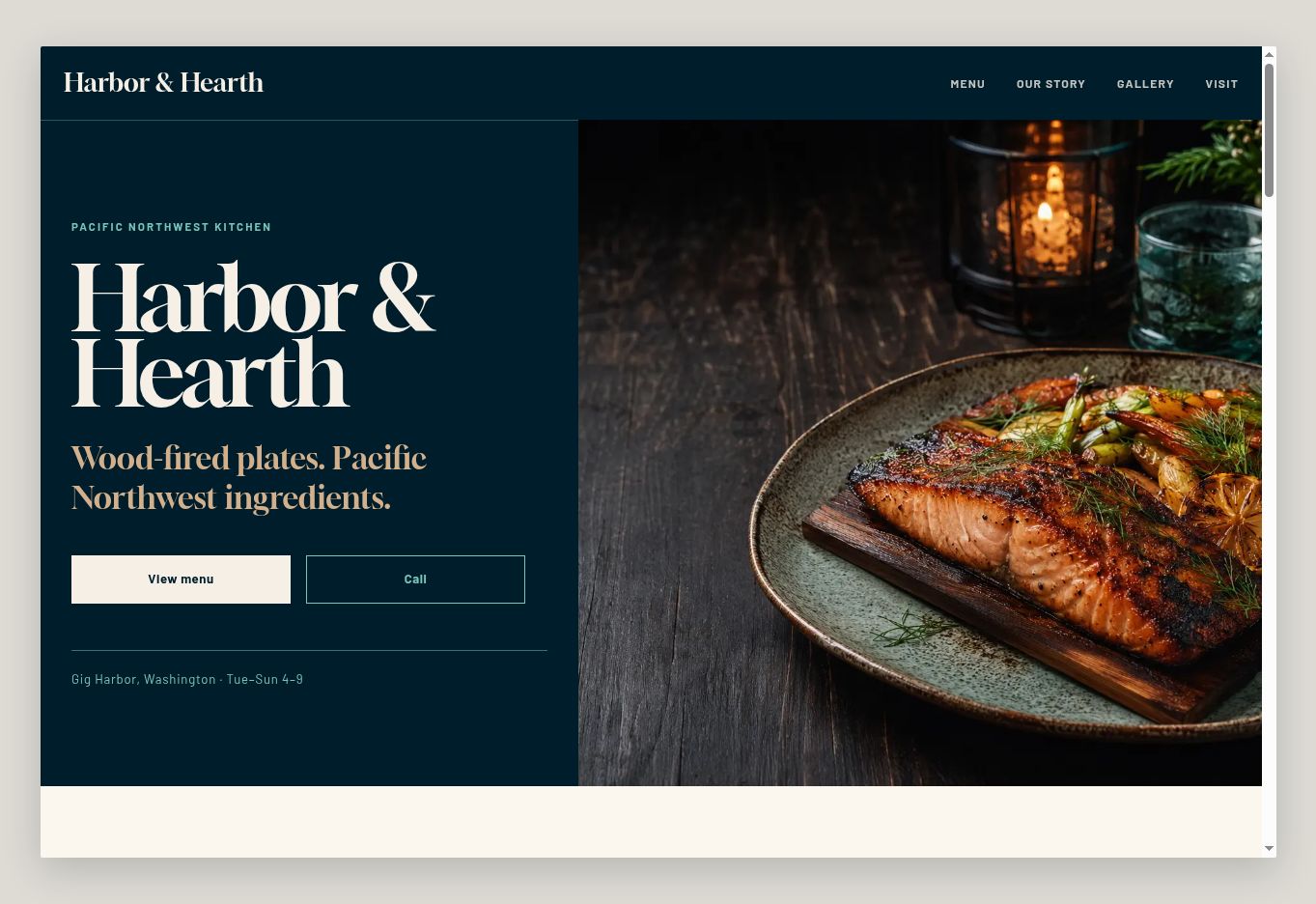
Tier 3
Website + Monthly Updates
A larger restaurant experience built around a full menu, strong photography, and timely announcements.
Open the demonstration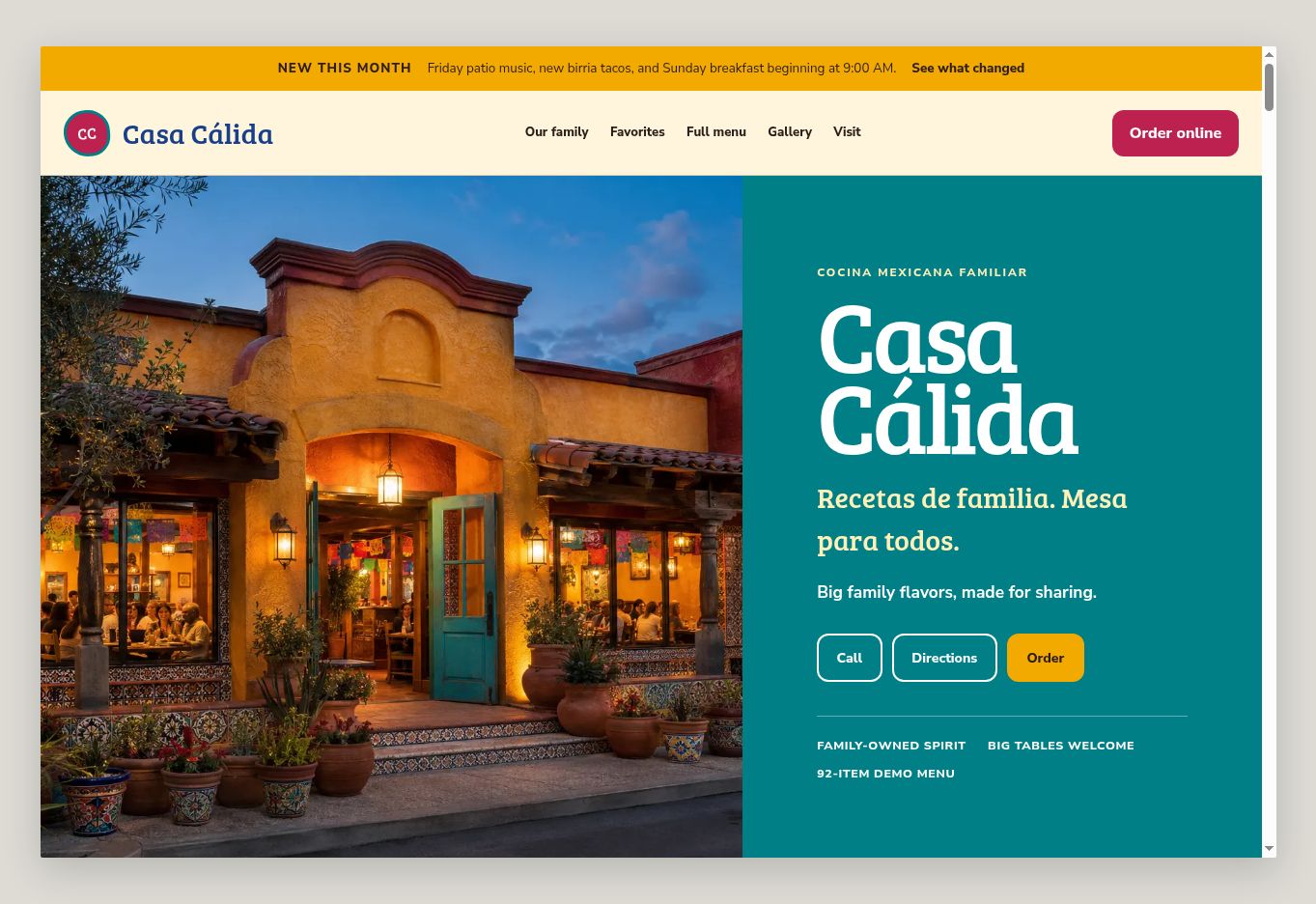
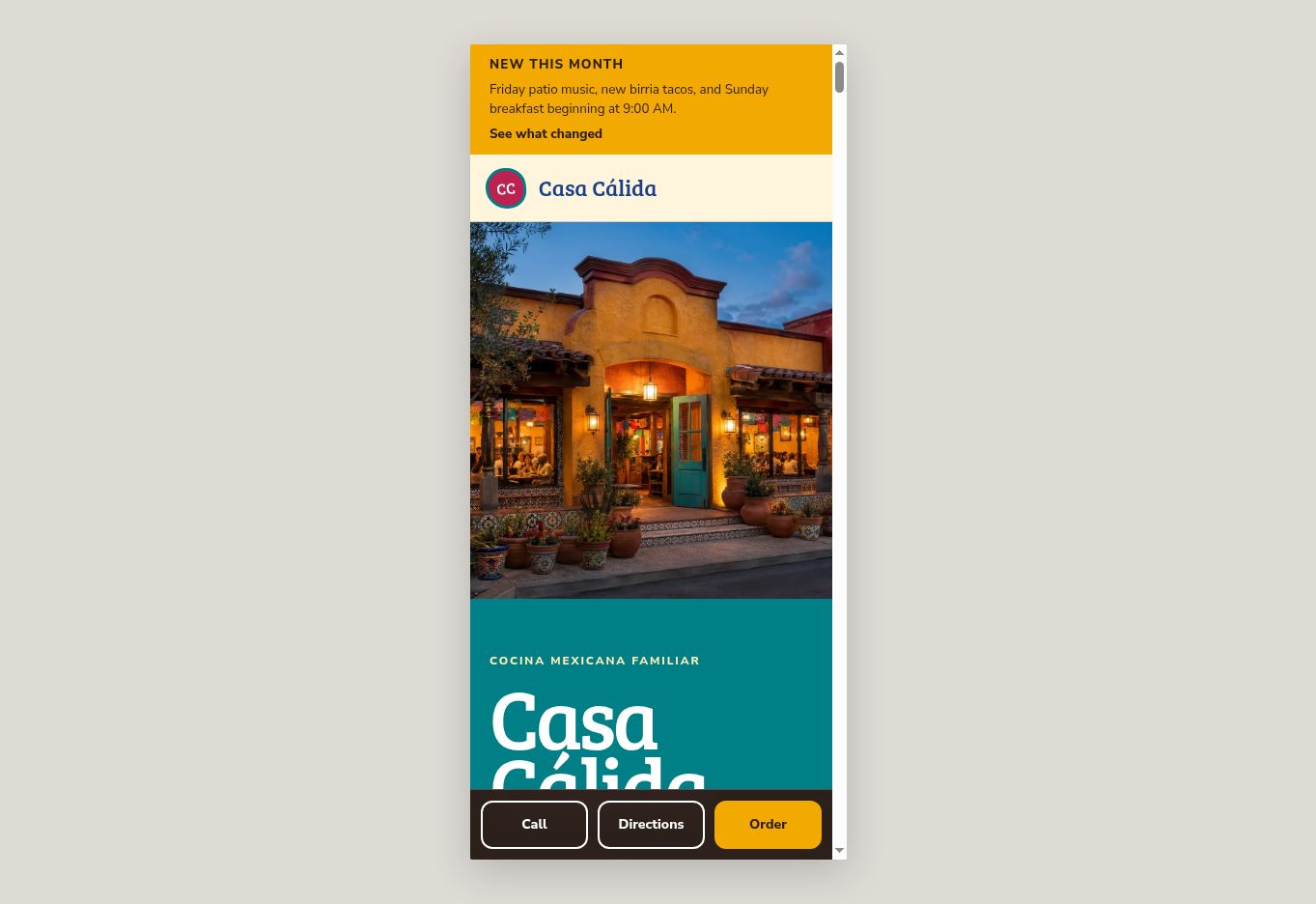
These demonstration restaurants, menus, contact details and images are fictional. Images are AI-generated for demonstration purposes. These examples are not customer results or photographs of actual restaurant food. Phone, directions, ordering, reservation and contact controls inside the demonstrations are visual examples only and do not reach a real restaurant.
The QR portfolio
Browse six additional working restaurant demonstrations, including Indian and fish-and-chips quick-service menus plus an atmospheric supper club.
Your restaurant, not a template name
The demonstrations show structure and presentation. A customer project must use authorized restaurant information and imagery.